A century at a glance
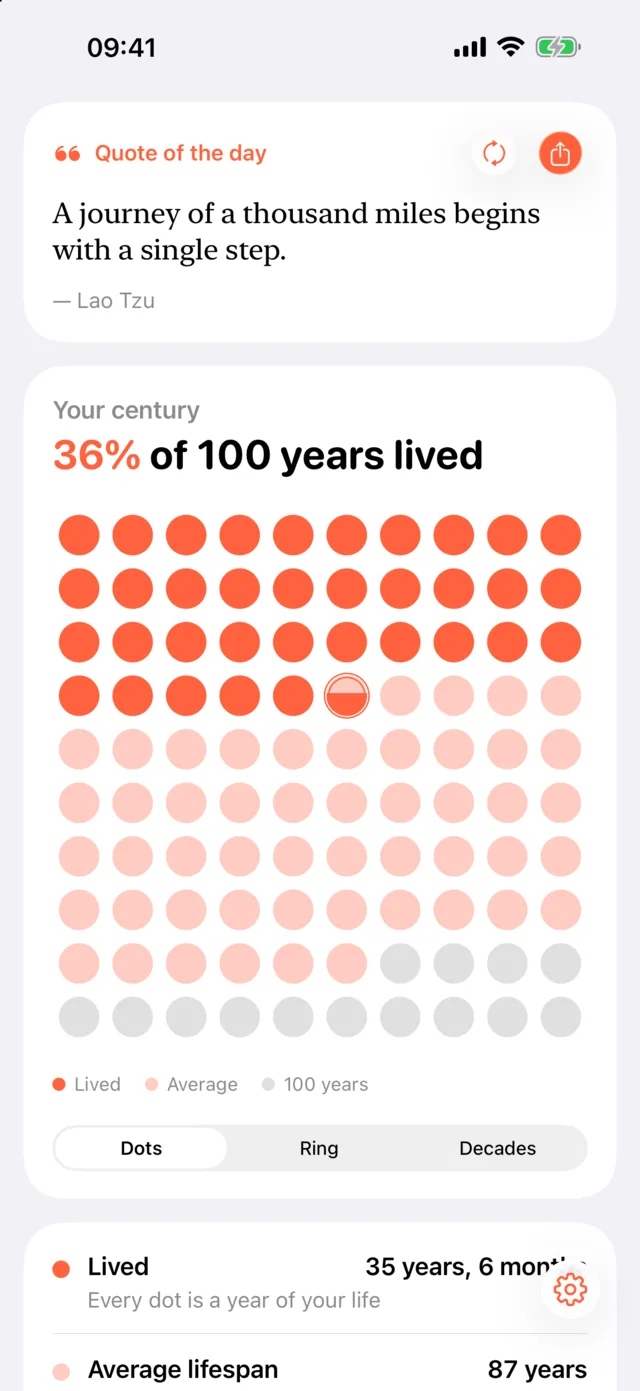
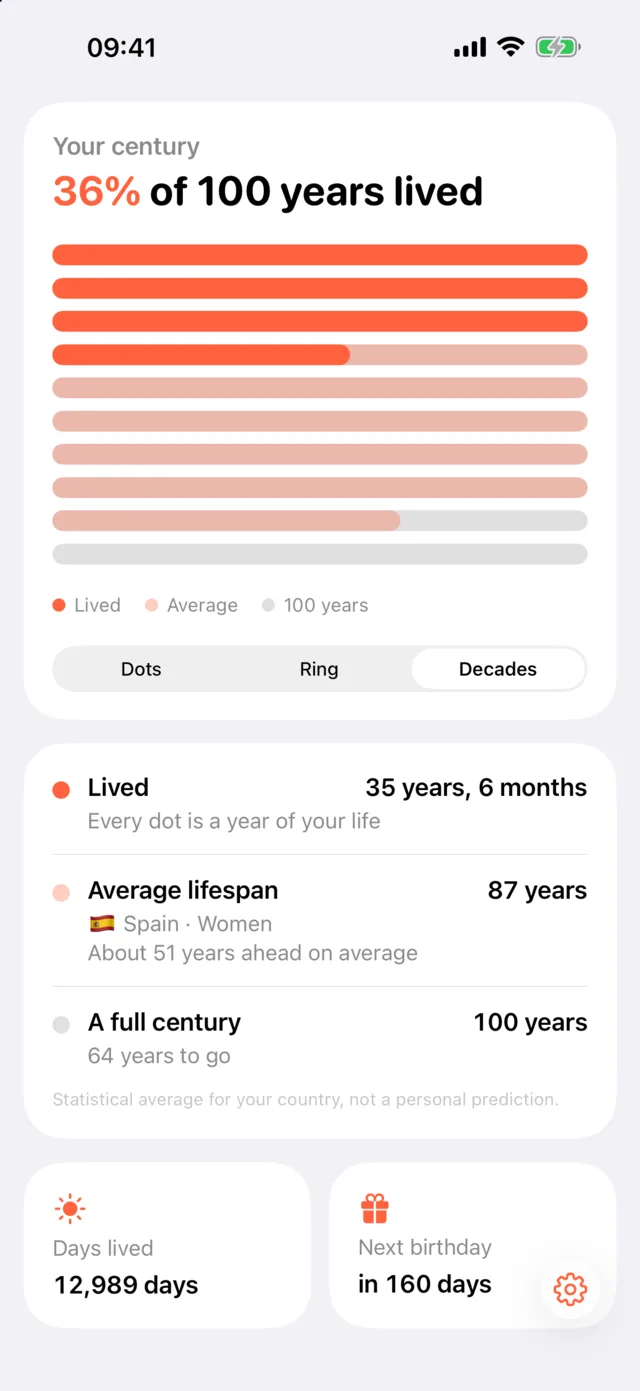
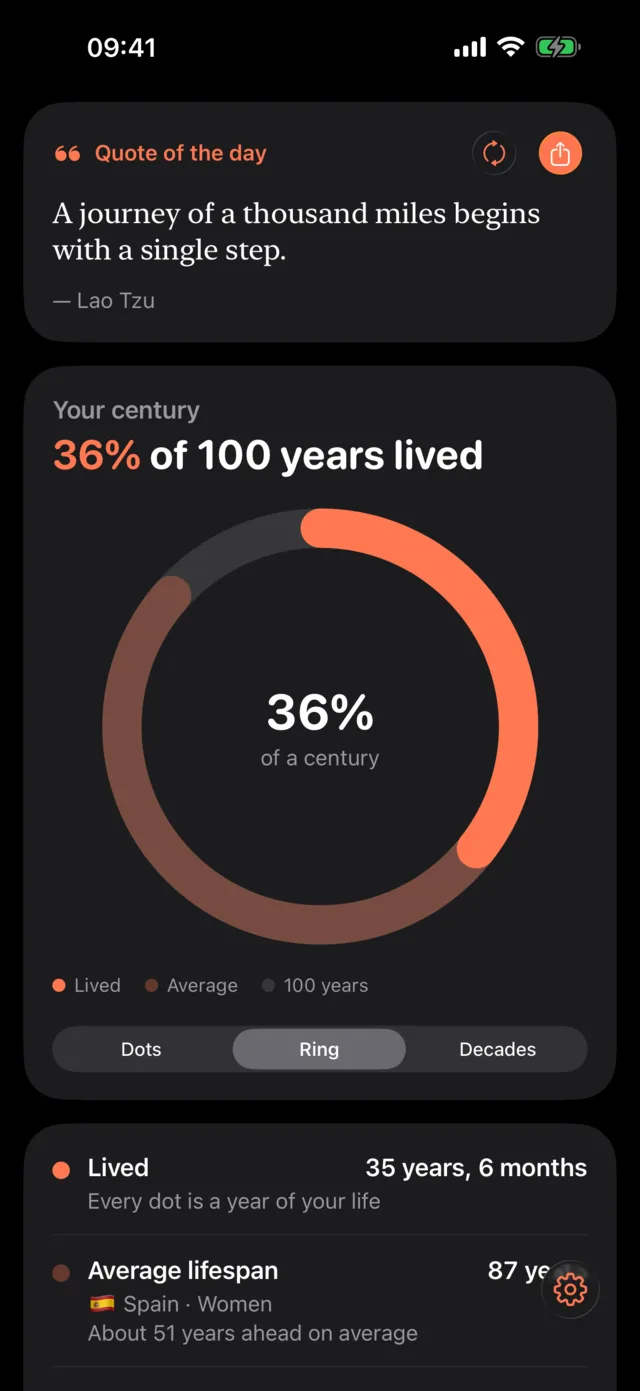
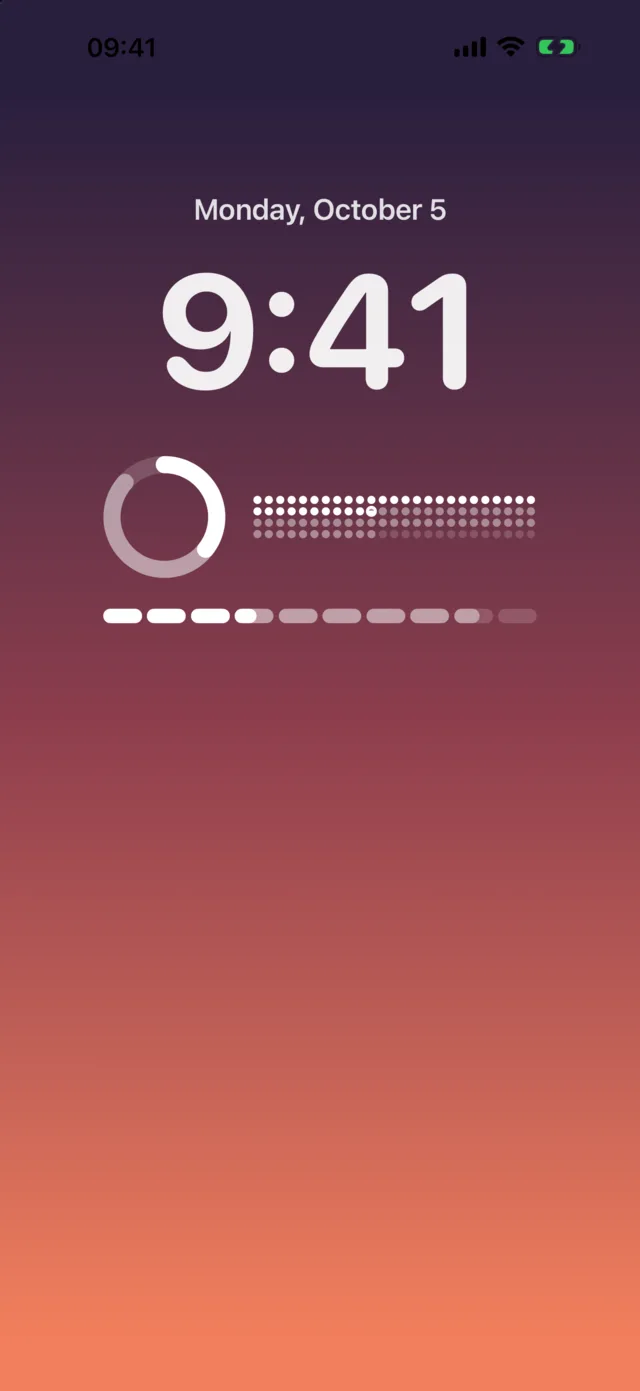
One hundred dots, one for every year. See the years you have lived, the years the average person in your country lives, and the rest of the century — as dots, a ring or ten decades.

Lifestyle · iPhone, iPad
Your life in 100 years — how much of a century you have lived, how it compares with the average in your country, and a daily quote to make the next year count.
Features
One hundred dots, one for every year. See the years you have lived, the years the average person in your country lives, and the rest of the century — as dots, a ring or ten decades.
Life expectancy for men, women or everyone in 217 countries, from the UN World Population Prospects 2024. A statistical average, never a personal prediction.
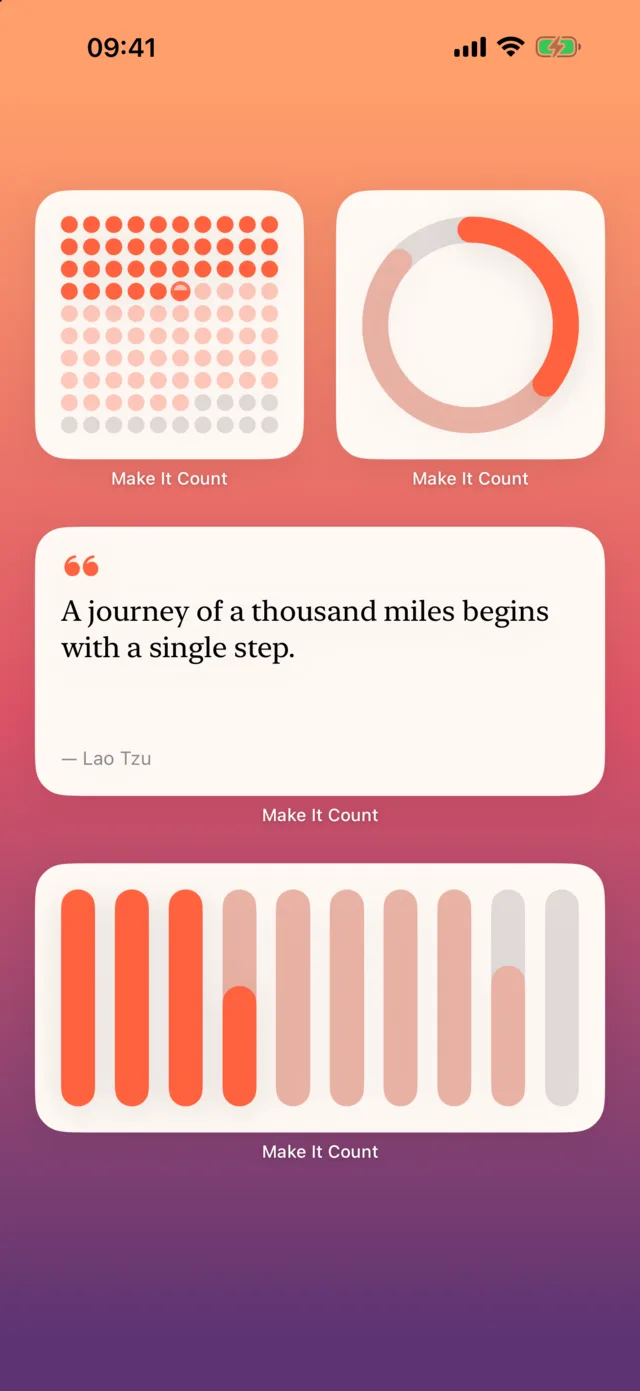
Home Screen widgets in every size, Lock Screen widgets and a quote-of-the-day widget. They follow your tinted or clear Home Screen style.
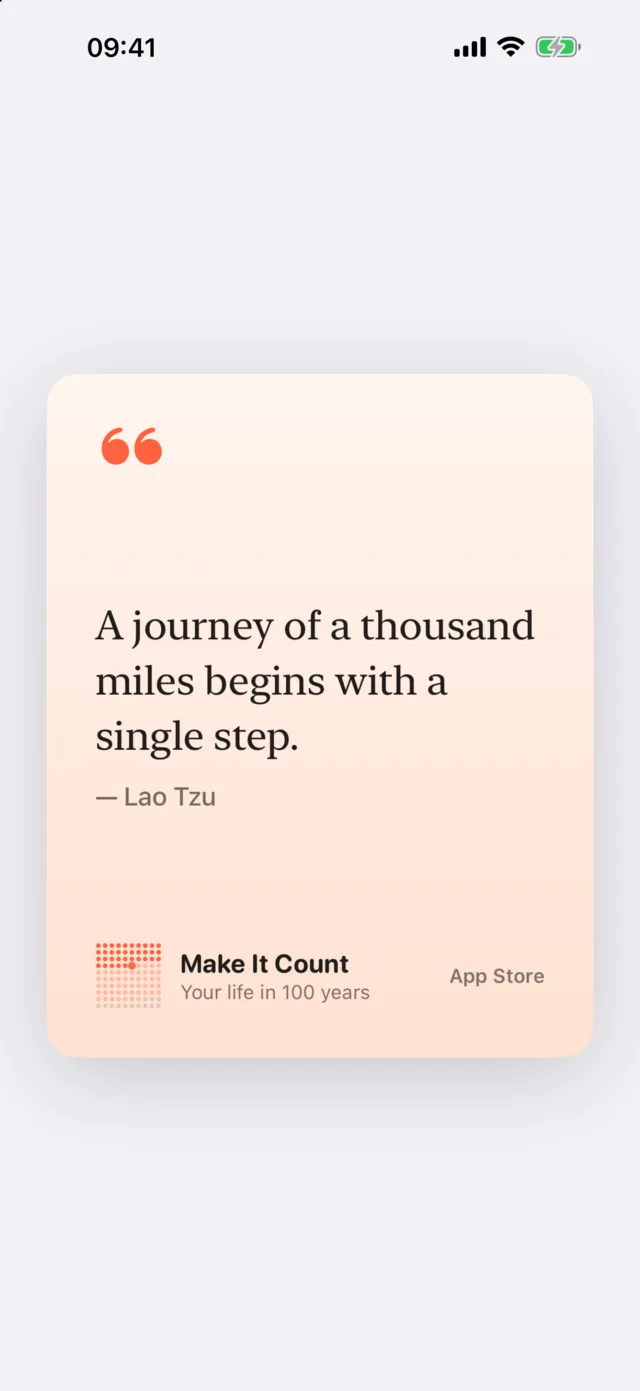
100 timeless thoughts about time and life from Seneca, Marcus Aurelius, Lao Tzu, Tolstoy and others — in ten languages, ready to share as an image.
Support
The app is built and supported by one person, who answers their own email. Write to [email protected] and you will get a real reply.
Touch and hold an empty area of your Home Screen, tap Edit, then Add Widget. Find Make It Count and choose a style and size. iOS does not let apps add widgets by themselves, so this has to be done by hand — the app shows the same steps under Settings → Add a widget.
Life expectancy at birth for 2024 from the UN World Population Prospects, published by the World Bank (World Development Indicators). It is an average for a whole population, not a prediction for you and not medical advice.
Open the app, tap the gear button in the bottom-right corner and edit anything in Settings. Widgets update immediately.
No. Make It Count is a one-time purchase on the App Store. There are no in-app purchases, no ads and no subscriptions. If you change iPhone, download it again from the App Store at no extra cost with the same Apple Account.
No. There is no sign-in and the app makes no network requests. Your details stay on your device.
The greeting is a local notification at 9:00 on your birthday. Check that notifications for Make It Count are allowed in iOS Settings → Notifications and that “Birthday greeting” is on in the app’s Settings.